
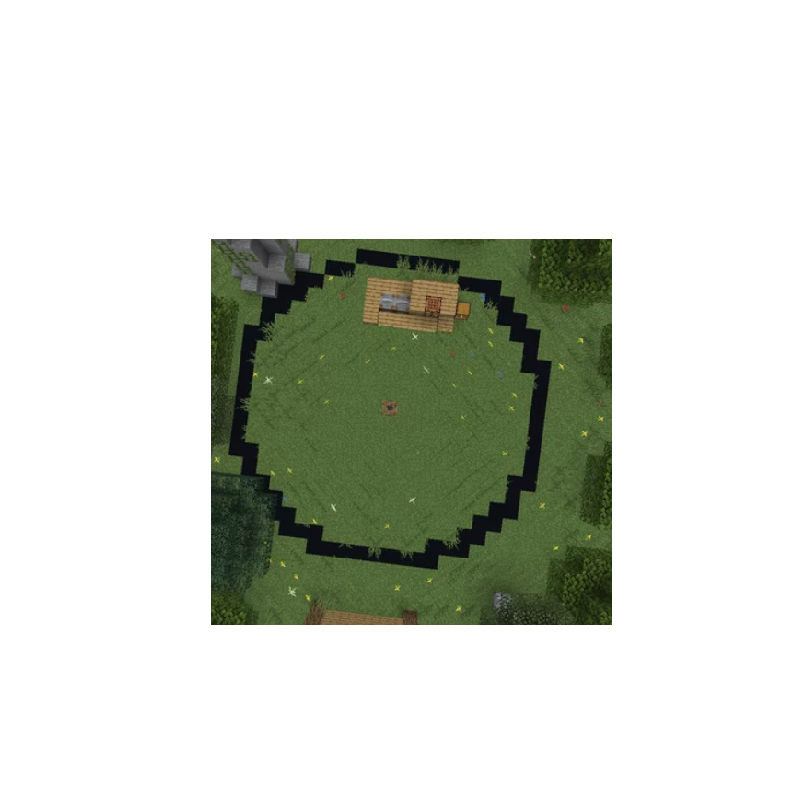

Instalar -99 Nights of the Forest v.0.4.2 in all Java versions en GDLauncher
- Abre GDLauncher y elige (o crea) la instancia a la que quieres añadir -99 Nights of the Forest v.0.4.2 in all Java versions.
- Abre la pestaña Addons y haz clic en Add Addons.
- Pega el ID de instalación rápida
#n99-nights-of-the-forest, selecciona -99 Nights of the Forest v.0.4.2 in all Java versions y haz clic en Download. GDLauncher se encarga de las dependencias y la compatibilidad de versiones automáticamente. - Pulsa Play y listo.
Antes de instalar
Asegúrate de que tu versión de Minecraft coincide con lo que -99 Nights of the Forest v.0.4.2 in all Java versions admite. En la última versión se admiten 1.21.11. GDLauncher comprueba la compatibilidad por ti y no instalará nada incompatible con la instancia elegida.
Preguntas frecuentes
¿Es -99 Nights of the Forest v.0.4.2 in all Java versions gratis?
Sí. -99 Nights of the Forest v.0.4.2 in all Java versions se puede descargar e instalar gratis a través de GDLauncher. El propio GDLauncher también es gratuito y sin anuncios.
¿Con qué versiones de Minecraft es compatible -99 Nights of the Forest v.0.4.2 in all Java versions?
-99 Nights of the Forest v.0.4.2 in all Java versions es compatible con Minecraft 1.21.11. GDLauncher elegirá automáticamente una versión compatible al instalarlo.
¿-99 Nights of the Forest v.0.4.2 in all Java versions requiere Forge o Fabric?
Consulta la página de -99 Nights of the Forest v.0.4.2 in all Java versions en CurseForge para ver con qué mod loader es compatible. GDLauncher instalará el loader correcto automáticamente cuando elijas el addon.
¿Cómo instalo -99 Nights of the Forest v.0.4.2 in all Java versions?
Abre GDLauncher, ve a la pestaña Addons de tu instancia, haz clic en Add Addons y pega el ID de instalación rápida #n99-nights-of-the-forest. GDLauncher se encarga automáticamente de las dependencias y de la versión correcta de Minecraft.
¿Quién creó -99 Nights of the Forest v.0.4.2 in all Java versions?
-99 Nights of the Forest v.0.4.2 in all Java versions fue creado por enricoyt. El proyecto completo se encuentra en CurseForge (https://www.curseforge.com/minecraft/worlds/n99-nights-of-the-forest).
Enlaces del proyecto
¿Necesitas ayuda?
Lee nuestra guía de resolución de problemas, consulta la sección de guías o únete a la comunidad de Discord de GDLauncher.