
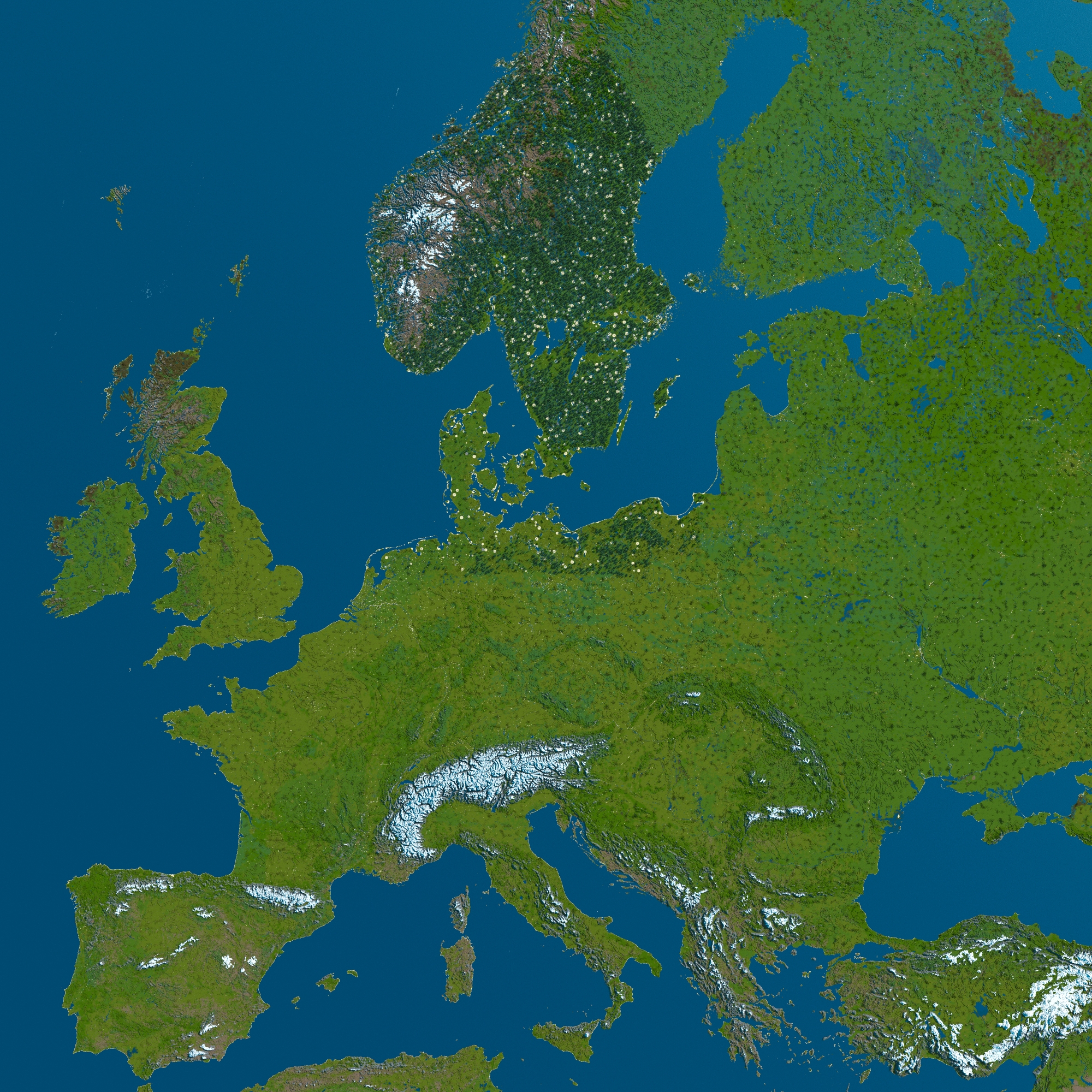

Installing this world
Download the world file (usually a .zip). Right-click your instance in GDLauncher, select More options → Open folder. Navigate into the instance folder, then the saves folder, and extract the .zip there.
After extracting, you should have a folder with the world name containing level.dat, a region folder, and possibly a data folder. Make sure level.dat is directly inside the world folder, not nested in another subfolder (a common issue with some downloads).
Launch Minecraft, click Singleplayer, and your new world should be in the list.
Version compatibility
Worlds can be opened in newer Minecraft versions and will upgrade automatically. Opening them in older versions can cause problems or data loss. If it's a modded world, you'll need the same mods installed for it to work properly.
World not showing up?
Double-check that you extracted the zip and that the folder structure is correct. The most common mistake is having the world nested inside an extra folder (like WorldName/WorldName/level.dat instead of WorldName/level.dat).
Need help?
Check our world installation guide or ask in our Discord.