
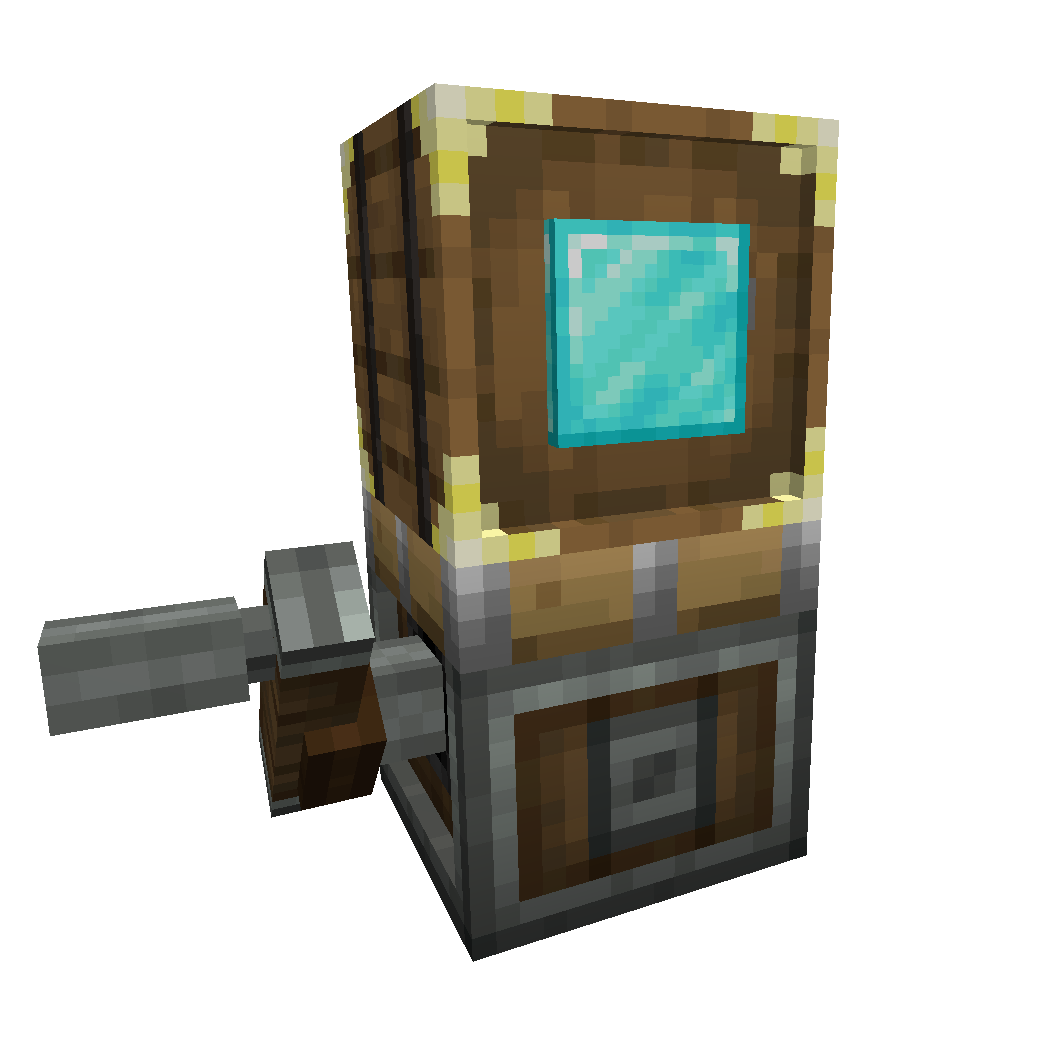

Sophisticated Storage Create Integration を GDLauncher でインストール
Sophisticated Storage Create Integration は Forge, NeoForge で動作します。既存のインスタンスで使っているローダーを選ぶか、新しいインスタンスを作ってください。GDLauncher が正しいローダーを自動でインストールします。
Forge でインストール
- GDLauncher を開き、新しいインスタンスを作成します(Library ページの + ボタン)。
- Forge ローダーと、Sophisticated Storage Create Integration に対応した Minecraft バージョンを選びます(1.21.11, 1.20.1 がよく選ばれています)。
- 新しいインスタンスを開き、Addons タブに移動して Add Addons をクリックします。
- クイックインストール ID
#sophisticated-storage-create-integrationを貼り付け、結果から Sophisticated Storage Create Integration を見つけて Download を押します。依存関係は GDLauncher が自動で取得します。 - Play を押せば完了です。
NeoForge でインストール
- GDLauncher を開き、新しいインスタンスを作成します(Library ページの + ボタン)。
- NeoForge ローダーと、Sophisticated Storage Create Integration に対応した Minecraft バージョンを選びます(1.21.11, 1.20.1 がよく選ばれています)。
- 新しいインスタンスを開き、Addons タブに移動して Add Addons をクリックします。
- クイックインストール ID
#sophisticated-storage-create-integrationを貼り付け、結果から Sophisticated Storage Create Integration を見つけて Download を押します。依存関係は GDLauncher が自動で取得します。 - Play を押せば完了です。
インストール前に
お使いの Minecraft バージョンが Sophisticated Storage Create Integration に対応しているか確認してください。 最新リリース時点では 1.21.11, 1.20.1 に対応しています。 Sophisticated Storage Create Integration は複数のローダー(Forge, NeoForge)に対応しています。他の Mod に合わせて選んでください。 GDLauncher が互換性をチェックし、選択したインスタンスと合わないものはインストールしません。
よくある質問
Sophisticated Storage Create Integration は無料ですか?
はい。Sophisticated Storage Create Integration は GDLauncher を通じて無料でダウンロード・インストールできます。GDLauncher 自体も無料で広告がありません。
Sophisticated Storage Create Integration はどの Minecraft バージョンに対応していますか?
Sophisticated Storage Create Integration は Minecraft 1.21.11, 1.20.1 に対応しています。GDLauncher がインストール時に互換性のあるバージョンを自動選択します。
Sophisticated Storage Create Integration には Forge と Fabric のどちらが必要ですか?
Sophisticated Storage Create Integration は Forge, NeoForge に対応しています。他の Mod に合わせてローダーを選ぶか、GDLauncher に新しいインスタンスを用意させましょう。
Sophisticated Storage Create Integration はどうやってインストールしますか?
GDLauncher を開き、対象インスタンスの「Addons」タブから「Add Addons」をクリックし、クイックインストール ID #sophisticated-storage-create-integration を貼り付けます。依存関係や対応 Minecraft バージョンは自動で処理されます。
Sophisticated Storage Create Integration は誰が作りましたか?
Sophisticated Storage Create Integration は P3pp3rF1y によって作られました。プロジェクトの詳細は CurseForge (https://www.curseforge.com/minecraft/mc-mods/sophisticated-storage-create-integration) でご覧いただけます。
プロジェクトのリンク
お困りですか?
トラブルシューティングガイドを読むか、ガイドセクションを確認するか、GDLauncher の Discord コミュニティに参加してください。